
Blog · 11 November 2026
QR codes that actually scan: 5 checks before you print
A QR code on a menu, flyer or poster is a handy way to send people to your drinks list, booking page or website. It's also easy to get wrong, and once it's printed you can't fix it. Five checks before you print:
1. Test it on two phones
Different phones and camera apps read codes differently. Scan it on at least two, and if you can, scan the printed proof at its real size rather than the code on your screen.
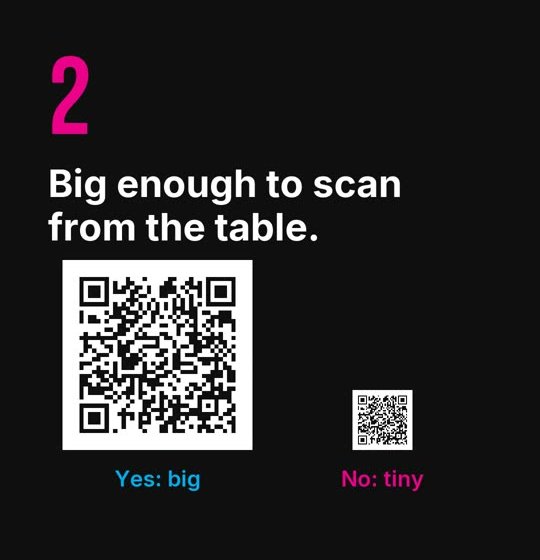
2. Make it big enough
Think about where people will be standing. A code on a menu is scanned from the table; a code on a poster might be scanned from across the room. As a rough guide, don't go below about 2cm across on something held in the hand, and go much bigger on a poster.
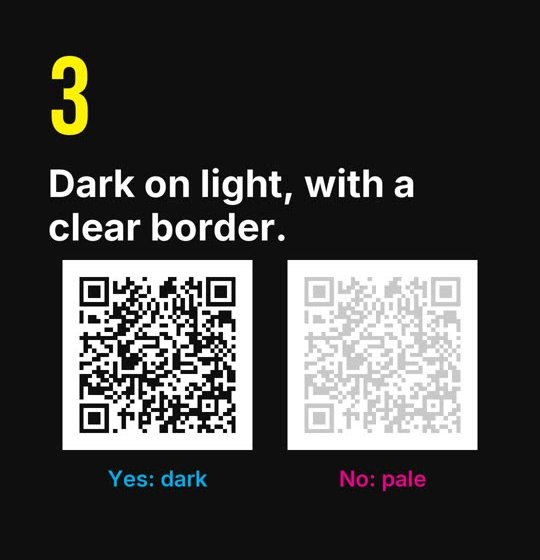
3. Dark on light, with a clear border
Phones look for dark squares on a light background. Pale codes, codes in light colours and codes reversed out of a dark background can fail. Leave a plain margin all the way round the code, too, with no pictures or text running into it.
4. Say what it does
“Scan for our drinks list” tells people what they'll get. A code on its own gives them no reason to get their phone out.
5. Use a link you can change later
If the code points at a page you control, like a page on your own website, you can change what's on it without reprinting. If you made the code on a QR code website, check it stays working for free: some stop working when a free trial ends.
Want us to check your QR code?
Send us your file and we'll check the QR code along with the rest of your artwork before we print.